


Description
Download Sysinternals Suite – system tools, diagnostic tools, Windows troubleshooting, file monitoring, network monitoring, process monitoring, registry monitoring, system security, utility suite, developer tools, admin tools
Overview
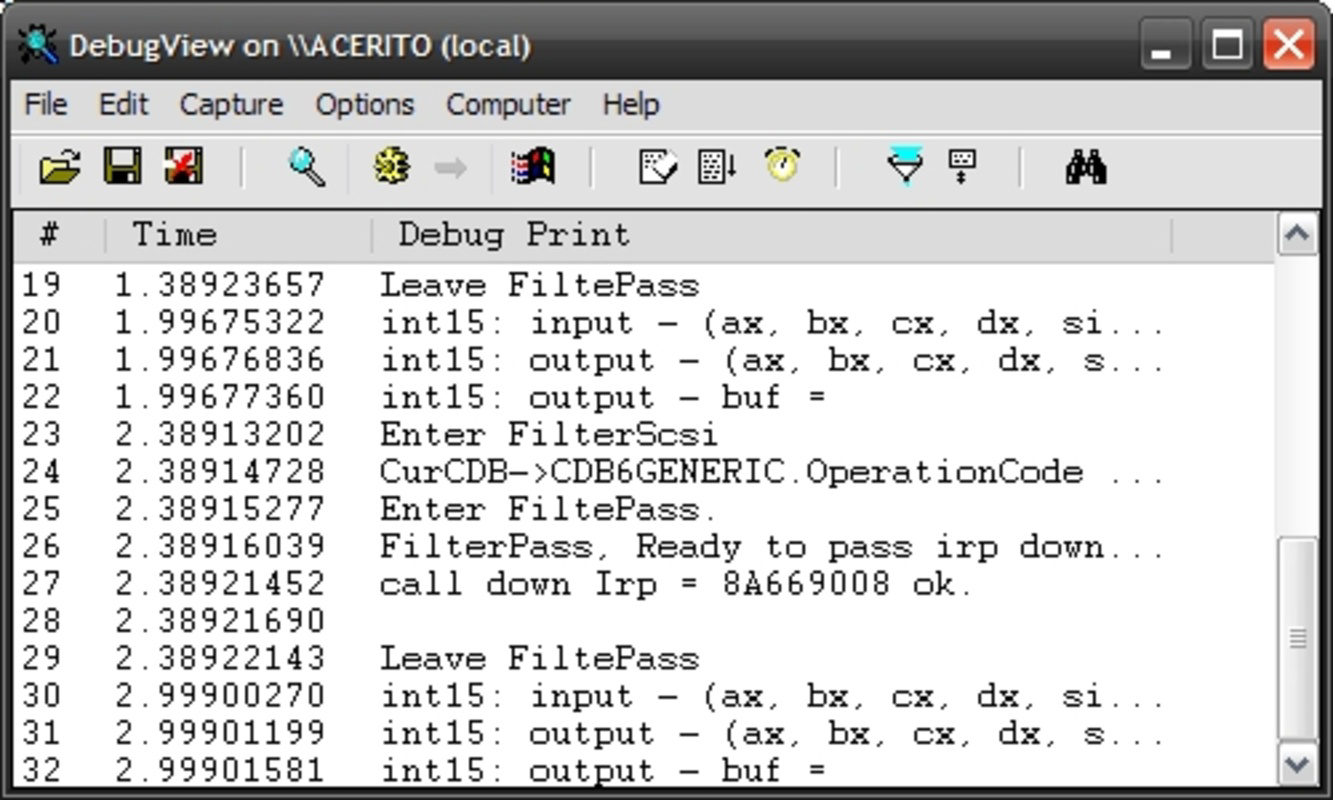
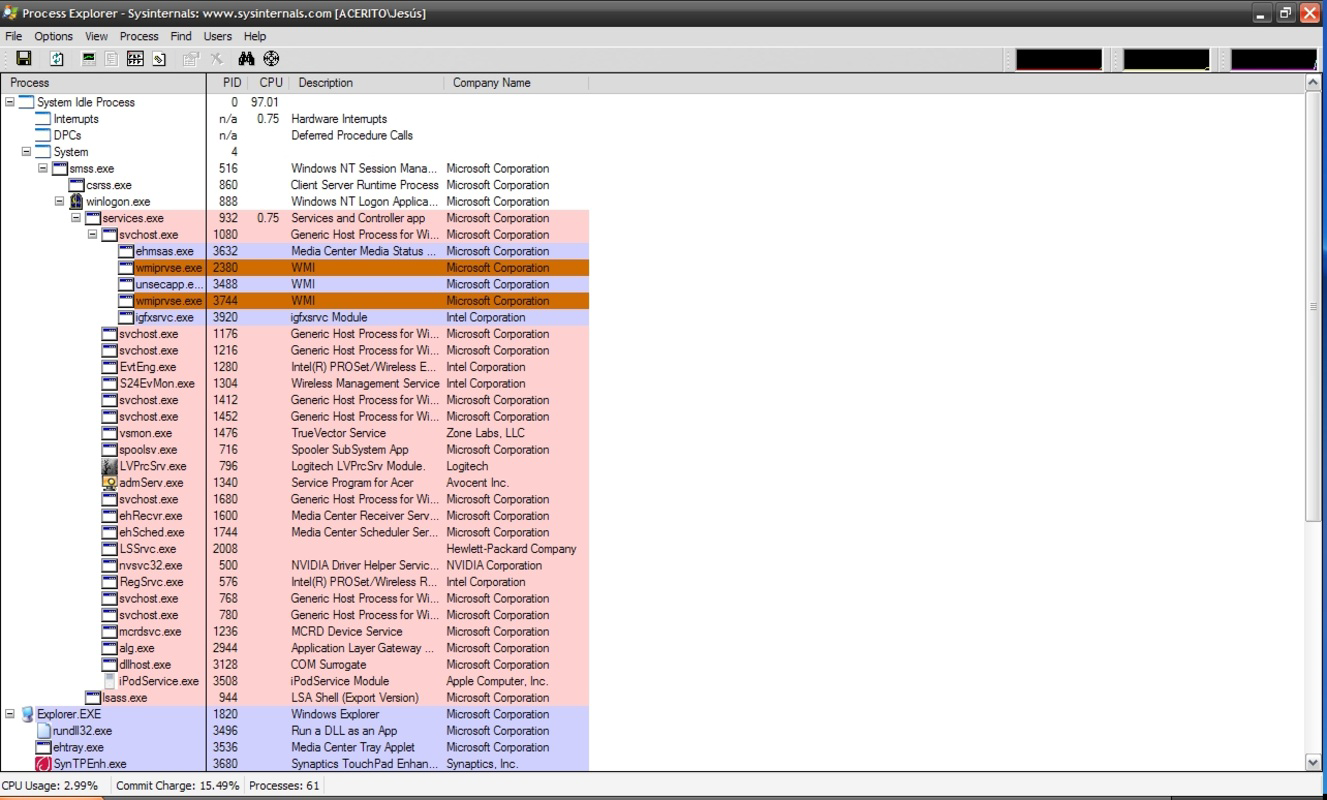
The Sysinternals Suite, developed by Microsoft, is a powerful collection of over 70 lightweight, standalone tools designed to assist in the management, diagnosis, troubleshooting, and deep understanding of the Windows operating system. These tools are primarily aimed at developers, system administrators, and advanced users who require granular control and visibility into system behavior. The suite addresses critical challenges such as identifying performance bottlenecks, detecting unauthorized changes, monitoring real-time file and registry activity, and diagnosing network connectivity issues. Its purpose is to provide a comprehensive toolkit for system-level diagnostics without relying on built-in Windows utilities that may lack depth or specificity.
Real-world use cases include troubleshooting application crashes by tracing file and registry access, identifying malicious processes through process monitoring, and managing startup configurations via Autoruns. While the suite is especially valuable in enterprise and development environments, even experienced users can benefit from its precision and reliability. The tools are designed to be self-contained, requiring no installation, which enhances portability and reduces system footprint. This makes the suite a trusted resource in the Windows ecosystem, frequently used by IT professionals for incident response, system audits, and performance tuning.
As a product of Microsoft, the suite carries a strong reputation for reliability and technical accuracy. The developer did not provide additional technical details beyond the suite’s scope, but its long-standing presence in the IT community underscores its credibility and ongoing relevance in system administration and software development workflows.
Key Features & Functionality
- File and Disk Monitoring (e.g., FileMon): Enables real-time tracking of file system activity, helping users identify which processes are accessing specific files or directories. This is particularly useful when diagnosing software conflicts or unexpected file modifications.
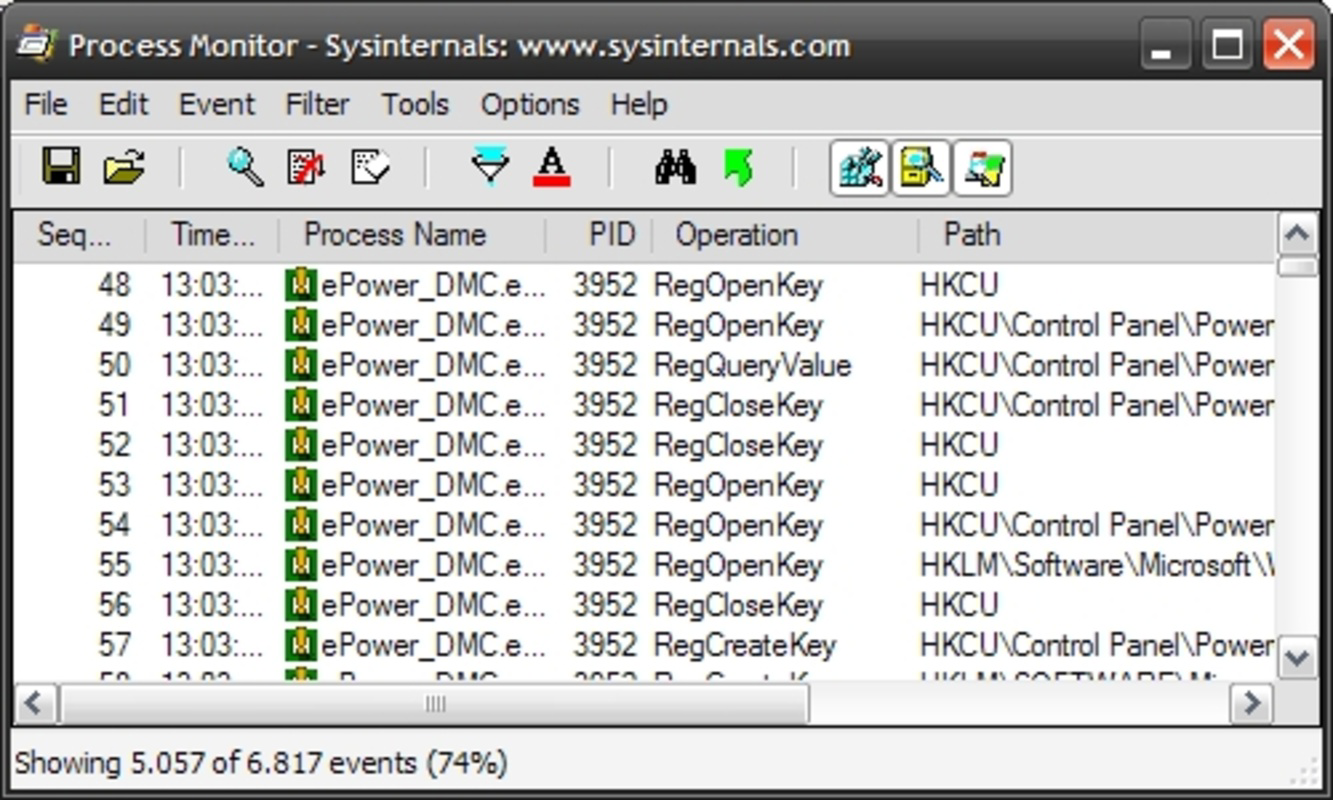
- Process Monitoring (e.g., Process Monitor): Provides a comprehensive view of registry, file system, and DLL activity in real time. It allows users to filter events by process, path, or operation type, making it ideal for debugging software behavior and detecting anomalies.
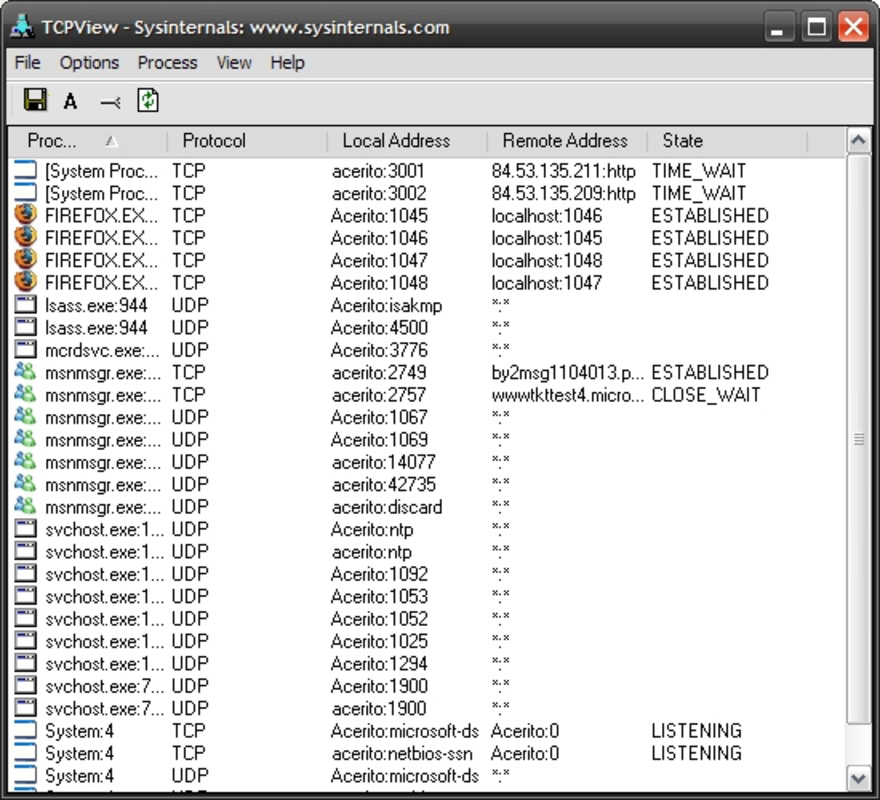
- Network Diagnostics: Tools within the suite allow users to inspect active network connections, identify listening ports, and analyze traffic patterns. This supports rapid troubleshooting of network-related issues such as connectivity failures or unauthorized connections.
- Startup Management (e.g., Autoruns): Offers a detailed view of all programs and services configured to run at system startup, including those hidden in the registry or system services. This empowers users to disable unnecessary or potentially harmful entries.
- System Security Utilities: Includes tools that detect unauthorized changes to system configurations, monitor for suspicious processes, and assist in maintaining system integrity, especially during forensic investigations or security audits.
- Miscellaneous Utilities: Features like ZoomIt provide on-screen annotation and magnification, useful during presentations or remote support sessions, adding versatility beyond core system diagnostics.
Each tool is designed to operate independently, allowing users to select only the utilities they need. This modular approach ensures flexibility and minimizes resource overhead, making the suite suitable for both routine checks and in-depth investigations.
Interface, UX & Performance
The Sysinternals Suite maintains a consistent, minimalist interface across its tools, prioritizing functionality over visual flair. Most applications feature a clean, text-based layout with tabbed views, filtering options, and real-time event logs. Navigation is straightforward, relying on standard Windows conventions such as menus, context menus, and keyboard shortcuts. While not designed for casual users, the interface is intuitive for those familiar with system administration tasks.
Performance is optimized for low resource consumption. The tools are lightweight, with minimal impact on CPU and memory usage during operation. Although the developer did not list formal performance metrics, the suite’s design emphasizes responsiveness and stability, even under heavy system load. The tools operate efficiently on a wide range of Windows devices, from low-end machines to high-performance workstations.
Responsiveness is consistent, with real-time data updates and near-instant filtering. Stability is maintained through the use of native Windows APIs and careful memory management. The suite is known for its reliability during extended monitoring sessions, making it a trusted tool for long-term diagnostics and incident analysis.
Platform Compatibility & Technical Requirements
Sysinternals Suite is designed exclusively for Windows platforms. It supports the latest versions of Windows, including Windows 10 and Windows 11, though specific OS version requirements were not listed. The file size is 22.5 MB, making it a compact download ideal for quick deployment on various devices.
Compatibility information was not fully disclosed, but the suite is known to run on both 32-bit and 64-bit Windows systems. The developer did not specify minimum system requirements or installation dependencies. The tools are distributed as standalone executables, requiring no installation or administrative privileges to run, which enhances accessibility and portability.
Pros and Cons
- Comprehensive collection of over 70 specialized diagnostic tools
- Free to download and use, with no licensing restrictions
- Lightweight and portable—no installation required
- Highly reliable and trusted by IT professionals and developers
- Real-time monitoring capabilities for files, processes, and network activity
- Excellent for troubleshooting, security audits, and system optimization
- Interface may be intimidating for non-technical users
- Limited visual feedback and customization options
- No built-in update mechanism—manual downloads required
- Requires basic understanding of Windows system internals
- Not available on mobile platforms like Android or iOS
FAQ
Is Sysinternals Suite safe to use?
Yes, the suite is developed and distributed by Microsoft, ensuring a high level of security and integrity. All tools are digitally signed and widely trusted within the IT community.
Can I use Sysinternals Suite on Windows 10 and Windows 11?
Yes, the suite is compatible with both Windows 10 and Windows 11. Specific compatibility details were not listed, but it is designed to work across modern Windows versions.
Do I need to install the tools?
No, the tools are portable and run as standalone executables. You can launch them directly without installation.
Are the tools updated automatically?
No, the suite does not include an automatic update feature. Users must manually download the latest version from the official Microsoft website.
Is Sysinternals Suite available for Android or iOS?
No, the suite is exclusively designed for Windows and is not available on mobile platforms.
Final Thoughts
Sysinternals Suite stands as a cornerstone toolset for anyone working with Windows systems at a technical level. Its extensive range of diagnostic utilities, combined with its lightweight design and free availability, makes it an indispensable resource for developers, system administrators, and advanced users. Whether you're troubleshooting a stubborn crash, auditing startup processes, or monitoring network behavior, the suite delivers precise, actionable insights.
While its interface may not appeal to casual users, its power and reliability are unmatched in the realm of system-level tools. For professionals who demand control, transparency, and performance, Sysinternals Suite offers unmatched value. The fact that it remains free and unencumbered by ads or data collection further enhances its appeal.
Download Sysinternals Suite now
Guides & Tutorials for Sysinternals Suite
How to install Sysinternals Suite
- Click the Preview / Download button above.
- Once redirected, accept the terms and click Install.
- Wait for the Sysinternals Suite download to finish on your device.
How to use Sysinternals Suite
This software is primarily used for its core features described above. Open the app after installation to explore its capabilities.
User Reviews for Sysinternals Suite 0
No reviews found


